Blurred Frame
Transform images with stunning blurred frames. Perfect for Instagram, stories, and social media posts.

See The Difference - Stunning Blurred Frames
Discover how blurred frames transform your images for different platforms and uses
Instagram Stories
Create eye-catching stories with beautiful blurred frames that preserve your full image
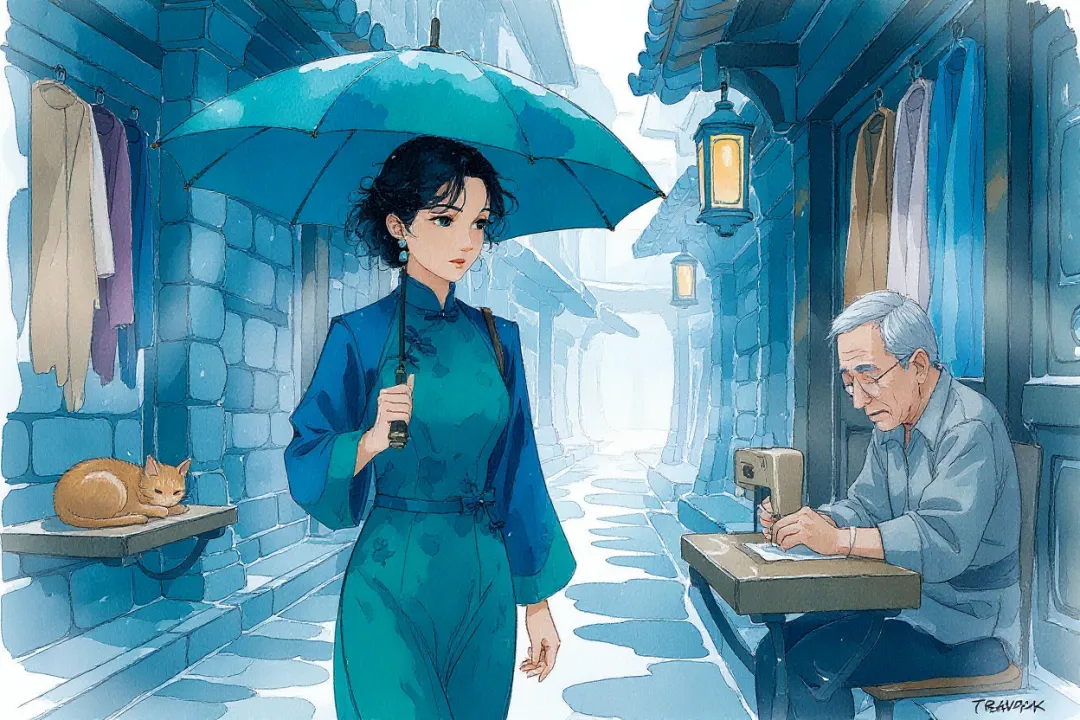
Social Media Posts
Transform your posts with artistic blurred borders perfect for any platform

Portrait Photography
Add professional blurred frames to portraits without losing any detail
Hover over images to see the transformation
How to Use Blurred Frame
Follow these simple steps to add stunning blurred frames to your images.
Upload Your Image
Drag and drop, click to select, or paste an image from your clipboard. Supports JPG, PNG, and WEBP formats.
Adjust Frame Settings
Customize aspect ratio, main image scale, background scale, and blur intensity to create your perfect framed image.
Download Your Framed Image
Choose your desired size and format, then download your beautifully framed image with blurred borders.
Frequently Asked Questions
Everything you need to know about Blurred Frame