Bring a classic look to your pictures with a black and white filter
The black and white filter removes the colors from your pictures, bringing a fresh perspective while preserving image quality.

Apply a black and white filter to your pictures
It only takes one click to turn all your photos into black and white. The greyscale filter drains the colors from your images, leaving a dramatic effect and bringing a new focus to your images. Apply a black and white effect on images in any format, size, and dimension. You can adjust the intensity of the greyscale filter using the intensity slider.
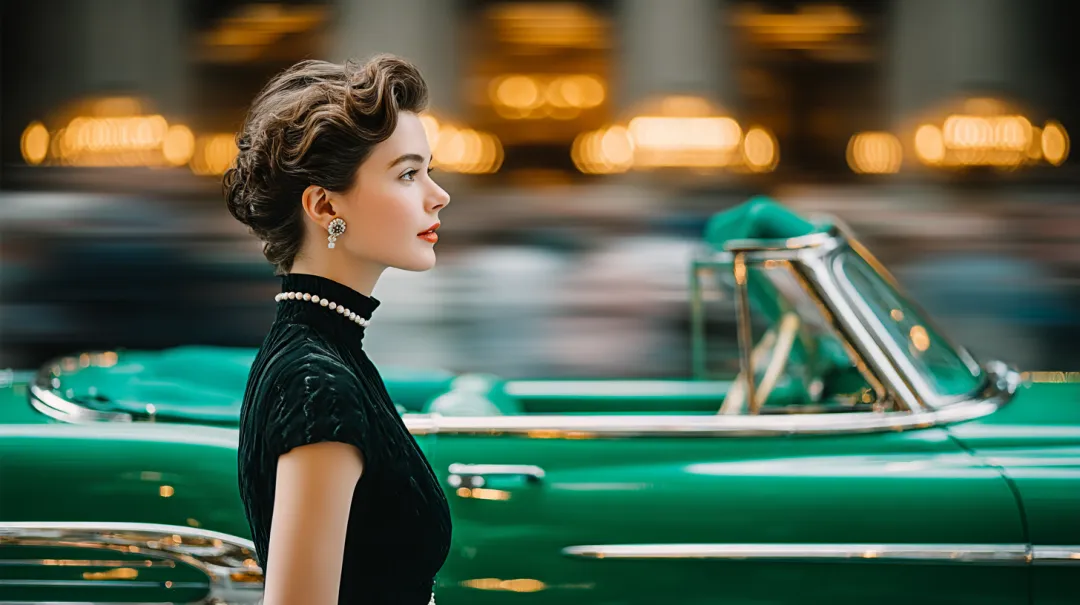

Classic Grayscale
Transform your photos with a timeless black and white effect
Vintage Sepia Tone
Add a warm, nostalgic feel to your images
Create black and white images for any purpose
Image quality is preserved as you change pictures to black and white on our online photo editor. Apply the greyscale filter for portraits, landscape shots, and even product photos. Establish a timeless appeal and exercise creative control over your images. Then, share your B&W photo online, upload it to Instagram, Facebook, and other social media sites, or add it to your artistic portfolio.
Hover over images to see the transformation
How to make a picture black and white
Launch Square Image
Open Square Image and start any project on the design editor.
Upload your photo
Upload your image to start editing.
Apply the greyscale filter
Select the grayscale filter from the effects panel.
Edit the photo as needed
Adjust brightness, contrast, and other settings to perfect your image.
Download your image
Save and download your black and white photo.